
2026 Ford Maverick Trims & Packages (What to Choose, What to Skip)
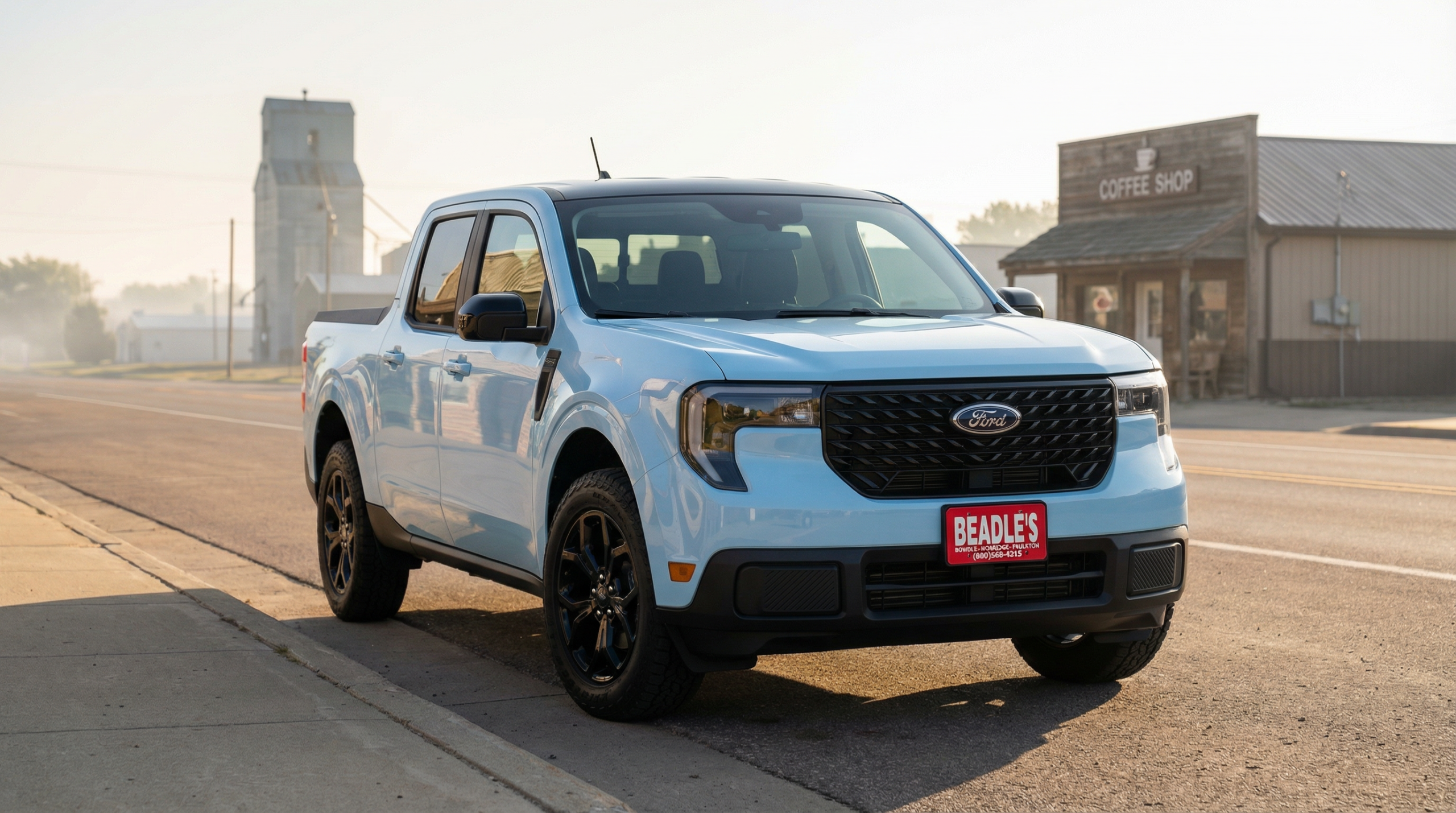
Picking a 2026 Ford Maverick trim is only “step two.” The buyers who end up happiest usually decide drivetrain (AWD vs FWD), payload reality, and towing hardware first—then use trims and packages to fine-tune comfort, convenience, and appearance.
If you haven’t locked in your must-haves yet, start with: 2026 Maverick Specs & Configurations. For inventory, model guidance, and local help in one place, visit the Ford Maverick hub.
Which 2026 Maverick trims are offered?
The 2026 Maverick lineup is commonly shown with these model lines: XL, XLT, Lobo, Lariat, and Tremor. The biggest mistake buyers make is assuming the trim name automatically equals capability. On Maverick, capability is driven by drivetrain, payload, and towing equipment.
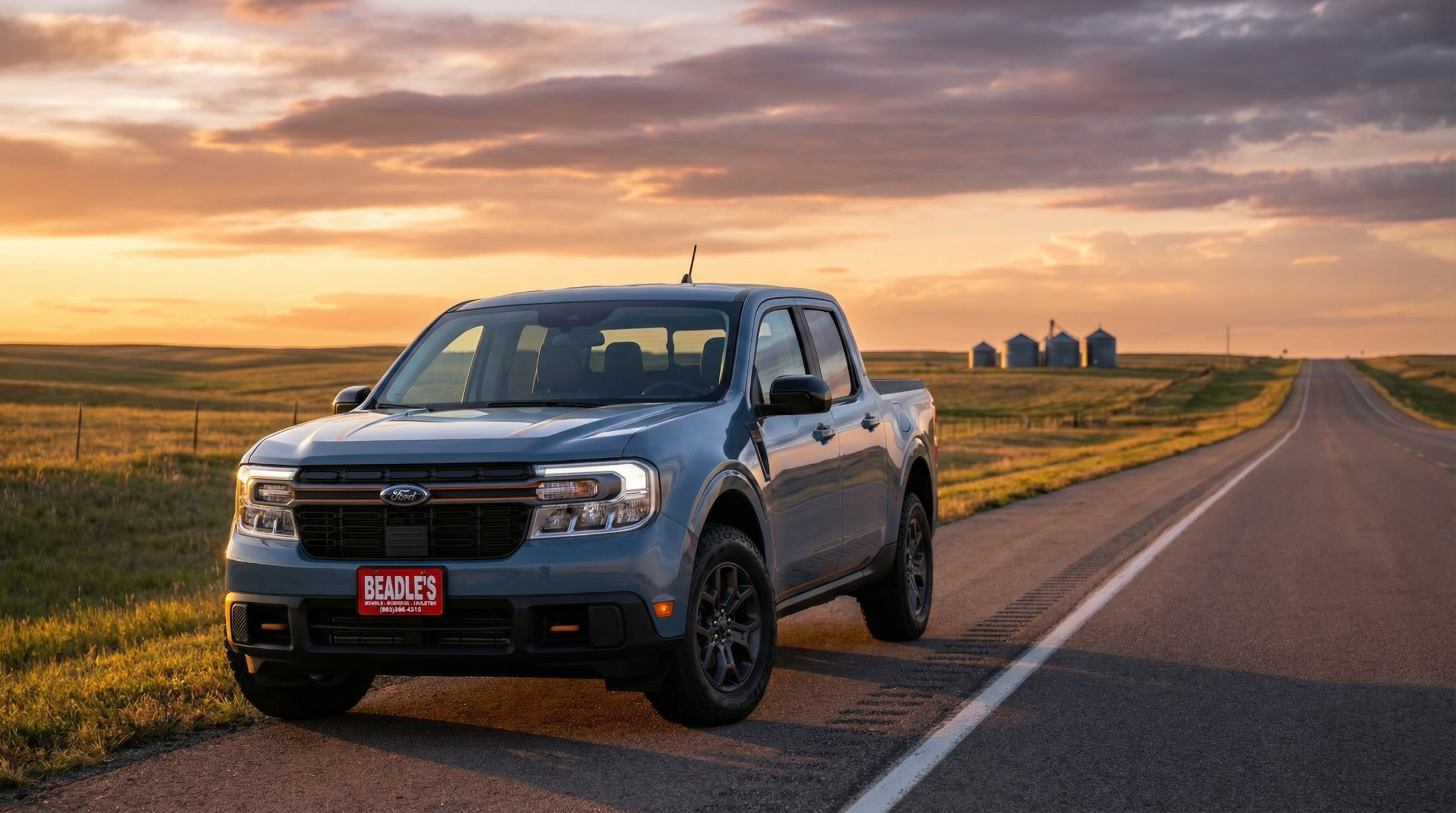
What trims change (and what they don’t)
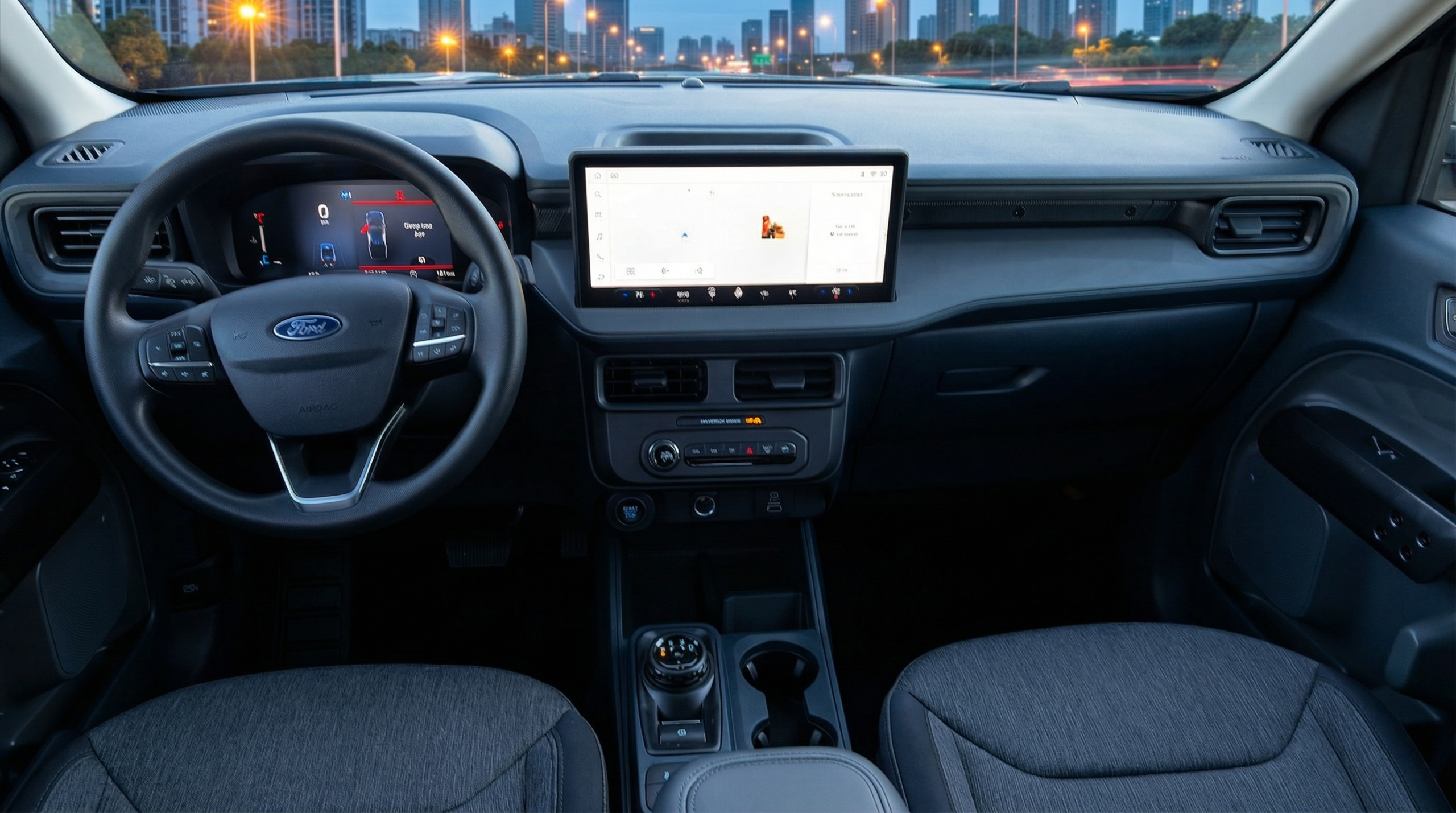
Trims primarily change comfort, interior materials, feature access, and appearance. They can also influence which options are easier to add, because packages and required equipment can be tied to certain trims.
- What trims usually change: cabin feel, tech convenience, appearance details, and option availability.
- What trims do not automatically change: your real towing readiness if the truck doesn’t have the right towing hardware.
- What to do instead: verify the exact truck’s equipment list before assuming it’s “the towing one” or “the winter one.”
If towing is part of your decision, pair this with: 2026 Maverick Towing Guide.
Packages that actually change ownership
Most packages fall into a few real-world categories. The “best” packages aren’t the fanciest—they’re the ones that solve problems you actually have.
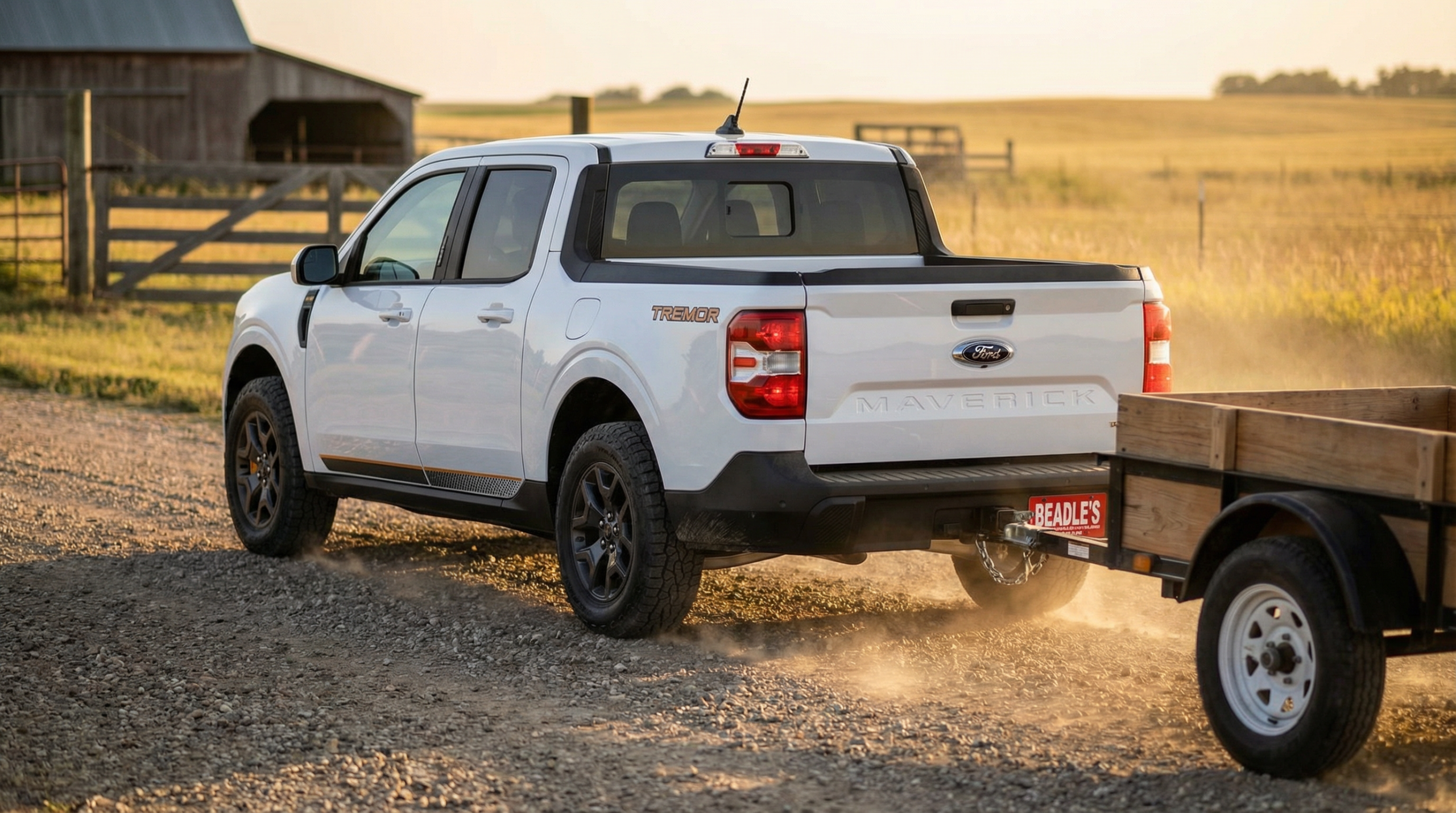
- Towing-focused packages: aim at real towing hardware (brake controller, 7-pin, hitch class). Confirm on the window sticker.
- Winter/traction-minded equipment: AWD helps, but tires and visibility features often matter just as much.
- Comfort/commute packages: worthwhile if you drive long miles and want the truck to feel “easy” every day.
- Appearance packages: great when they don’t interfere with capability priorities or budget.
Why AWD-first shopping changes the best trim choice
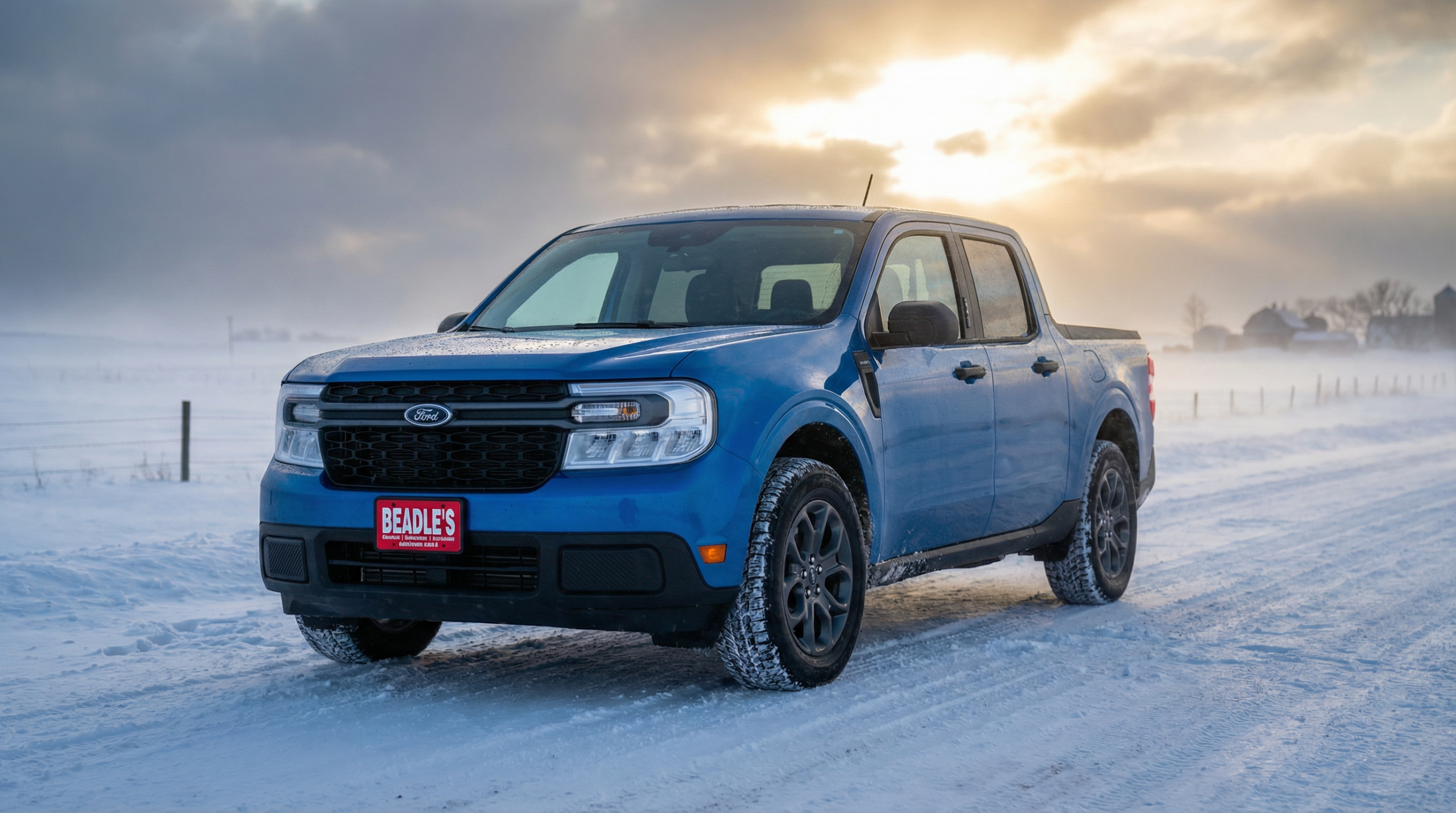
In South Dakota, many Maverick buyers shop AWD first because winter traction is a non-negotiable. That changes how you should evaluate trims: you want the trim that lets you get the drivetrain you want without forcing unwanted extras.
Quick Overview
| Best approach | Choose drivetrain + towing needs first, then pick trim for comfort/features |
| Most common mistake | Buying a trim for the badge and missing the equipment you actually need |
| Smart confirmation | Verify the window sticker for towing hardware, AWD, and required option bundles |
How to choose a trim/package setup (step-by-step)
- Decide AWD vs FWD based on winter routes and confidence needs.
- Decide towing level (light hitch vs full towing hardware) based on your trailer’s loaded weight.
- Confirm payload reality (people + gear + bed cargo) so the build actually fits your routine.
- Pick your trim to match comfort/feature expectations without forcing extras you don’t want.
- Add packages intentionally—choose only what solves a real need.
FAQ
Does a higher trim automatically tow more?
What’s the best way to avoid overpaying for packages?
Where can I compare trims and real inventory together?
Conclusion
In my experience, the best Maverick purchases happen when buyers choose capability first and trim second. When AWD, towing hardware, and payload reality are locked in up front, trims and packages become a simple “fit and finish” decision—not a gamble.
About the Author: Lexy Tabbert helps South Dakota and North Dakota shoppers choose truck configurations that fit real driving—winter roads, weekend projects, towing needs, and long-term ownership. Her approach is straightforward: confirm the capability requirements first, then choose the trim and packages that support how you actually use the truck.
Connect with us

